

Robot 3D Shape Keys: Relative Mix and Absolute Sequence
2026-11-05
Robot 3D Shape Keys: Relative Mix and Absolute Sequence
Shape Keys can change the visible form of an illustrative robot model, yet a list of key names does not explain how the current shape was produced. Blender distinguishes relative and absolute shape key modes. In one, weighted effects combine against reference shapes; in the other, evaluation time determines an interpolated shape in a sequence. A learning note should identify the mode before interpreting a displayed value. This article reads Blender 4.4 documentation and discusses an illustrative model, without testing a physical robot or mechanism.
Begin with what the shape key represents
The official shape key introduction explains deformation into new shapes for animation, also known as morph targets or blend shapes. It describes shape keys on object types with vertices and explains that a key records positions for the object's vertices. This gives a learner the subject of the feature: a deformation representation in the model, rather than a command to a mechanical joint.
A fictional classroom model might use shape keys to show a stylized flexible cover changing form. The lesson should label that representation as illustrative. It should not suggest that the same deformation is physically achievable by an actual cover, actuator or robot. The visual example can help explain the software feature while the hardware question remains outside the material presented.
Read relative mode through the reference relationship
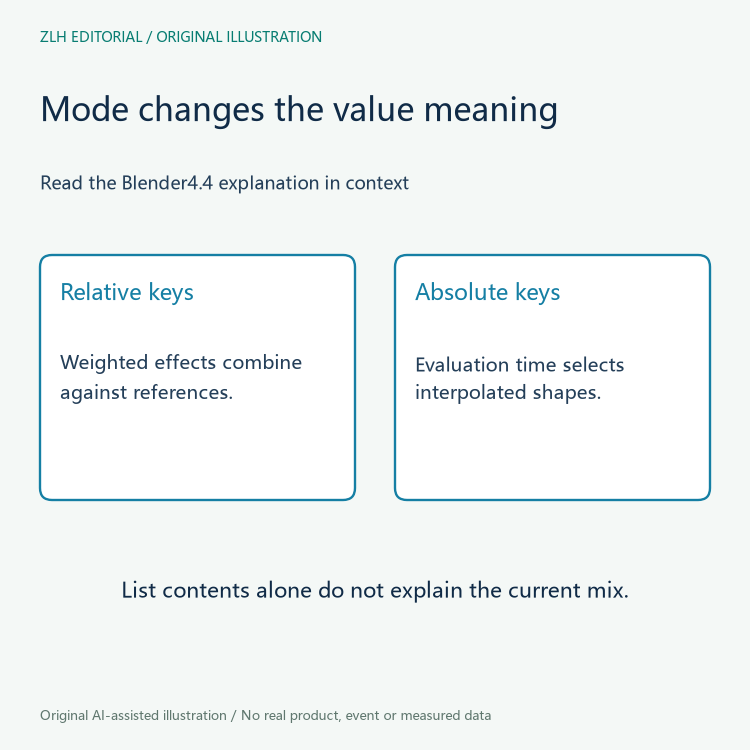
For relative shape keys, the introduction describes each shape relative to the Basis or another specified reference key. The visible mix combines the weighted relative effects. A value therefore expresses influence in that relationship. A learner should keep the reference identity beside the value, rather than treating each key as an independent frame that the model must visit in list order.
This distinction matters when more than one relative shape contributes to the current view. A screenshot of the resulting shape may not tell a reader which contributions are active. A useful learning question asks which keys and reference relationships explain that view. It does not need to invent measurements or reproduce the scene to preserve the conceptual difference between a key's name and its influence.
Read absolute mode through evaluation time
The same introduction describes absolute keys as shapes associated with evaluation times. The resulting mix is interpolated between shapes according to the current evaluation time. This gives the sequence a different interpretation from weighted relative mixing. A number shown beside a key cannot be explained accurately until the reader knows which mode supplies its meaning.
In a fictional lesson, two otherwise similar notes might both contain a column called value. If one note explains a relative blend weight and the other an absolute key's evaluation time, combining their columns without the mode would remove important context. The correction is to retain the mode and the documented role of the value. This example reports no actual animation test or model defect.
Use the panel description to check the lesson wording
The official Shape Keys Panel reference explicitly distinguishes the Value/Frame entry in relative and absolute modes. It also describes the reference-key selection for relative shapes and evaluation-time control for absolute shapes. These explanations help a reviewer ask what a lesson's screenshot is intended to demonstrate, without assuming that a familiar panel layout means the same configuration.
The panel reference additionally notes that relative keys are internally stored as shape snapshots and that relative deformation offsets are computed against the reference. The conceptual explanation of weighted offsets should therefore not be rewritten as a claim that the internal storage consists only of literal offset arrays. An animation lesson can explain the relationship without making an unsupported statement about implementation.
Keep the explanation separate from a mechanism claim
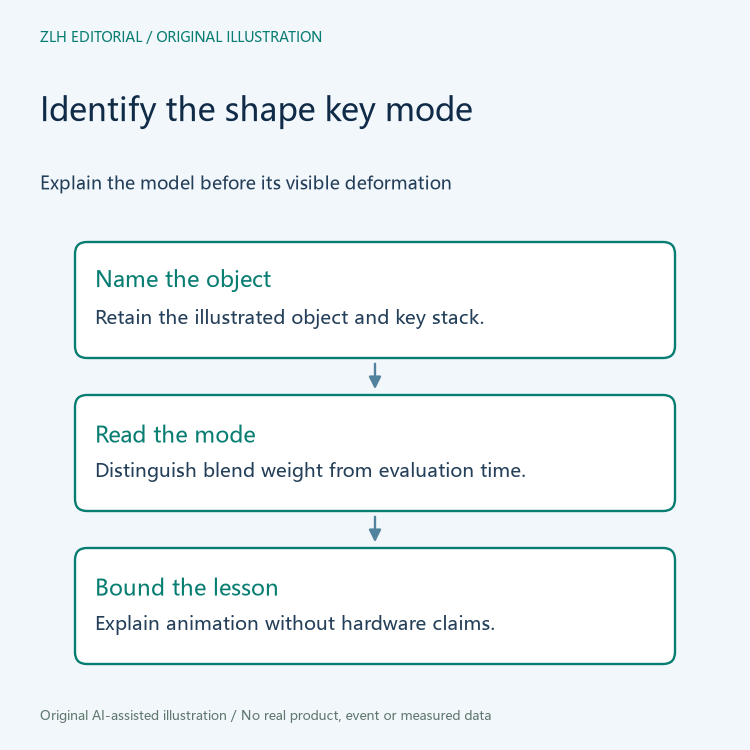
A robot illustration may use deformation to communicate a design idea, an exaggerated motion or a visual transition. The shape key mode explains how the software representation is evaluated. It does not establish a physical range of motion, an actuator arrangement or a material's behavior. If a course also discusses an actual robot, that portion needs its own model and device evidence.
A clear note can name the illustrated object, identify the shape key mode and explain the relevant reference or evaluation-time relationship. Preserve the software version with the note: both sources here are Blender 4.4 documentation, read on November 5, 2026. A later lesson revision should identify which interpretation changed instead of merely showing a different final shape.
The two original illustrations contain no product likeness or measured animation plot. Related material appears in the robot 3D learning collection and article directory. Keeping Shape Keys tied to their mode gives the learner a reliable way to discuss the representation while leaving the physical robot question to its own evidence.


