

Isaac Lab 3.0 Beta: Keep the Backend Context Visible
2026-11-04
Isaac Lab 3.0 Beta: Keep the Backend Context Visible
The Isaac Lab 3.0 beta documentation describes a broader choice of simulation components than a single application name suggests. That matters when a robot simulation record says only that a scene was run in Isaac Lab. A reader still needs to know which physics backend, rendering path and visualization context produced the retained evidence. The official release notes and current installation guide help explain these distinctions, provided their version contexts stay visible.
The beta notes describe a change in architecture
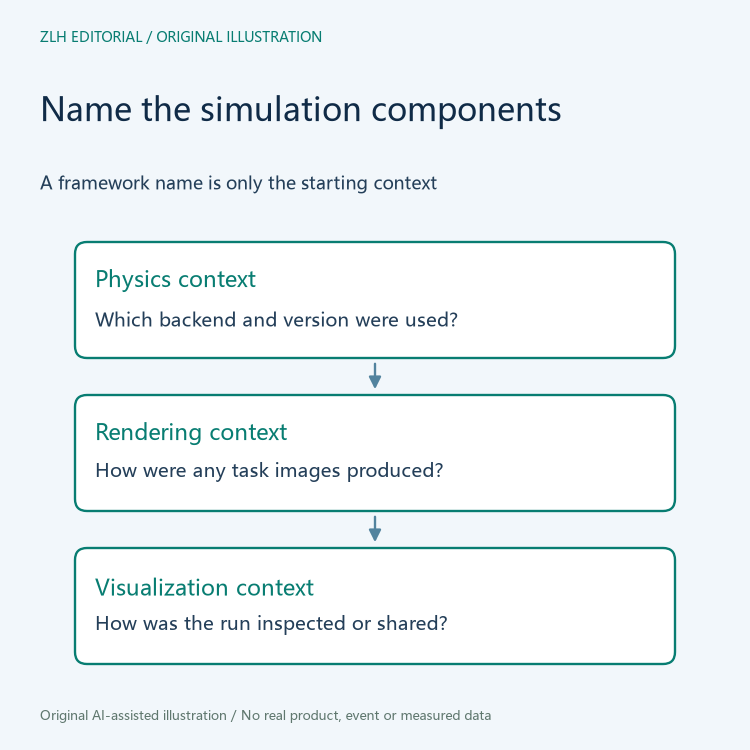
The official Isaac Lab release notes describe the 3.0 beta architecture as separating backend-specific simulation code from the core API. They also discuss renderer and visualizer choices. These are source statements about the software design; they are not a result of a simulation executed for this article.
For a simulation study, the useful implication is to identify the chosen components rather than treating the framework name as a complete environment description. A retained result should be connected to the version and configuration actually used. The existence of several supported paths does not show that a particular study exercised all of them.
The beta label belongs in that record as well. Development notes may describe breaking changes or limitations, and a page heading is not a reason to relabel a prerelease as a final stable release. Keep the relevant release section with any interpretation of its behavior.
Current installation guidance has its own context
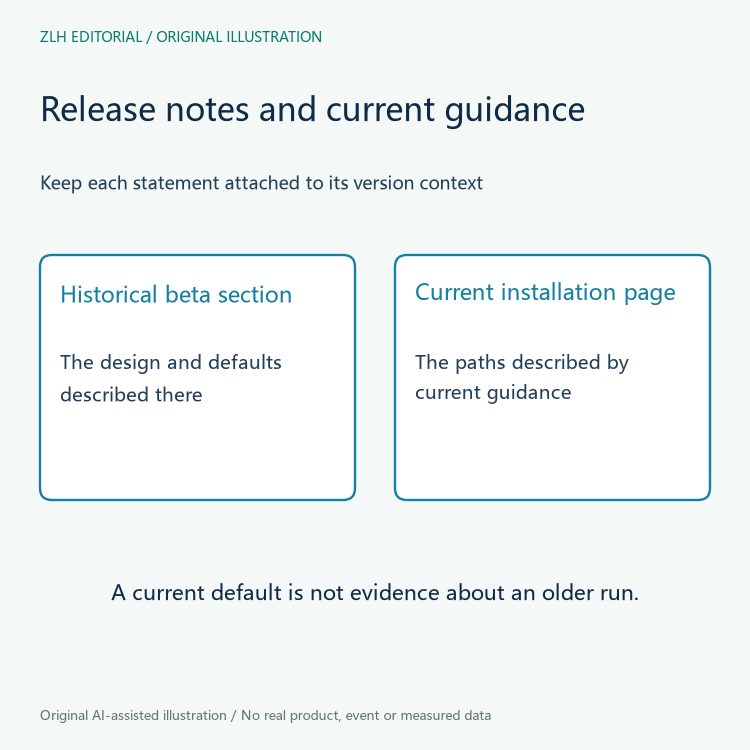
The current official installation guide describes a standard installation using Newton and an optional Isaac Sim addition for workflows that need it. This is a useful distinction between the framework's installation path and the components required by a particular simulation or rendering task.
Do not silently attach that current default to every earlier beta example. The release notes retain historical sections that describe their own defaults. A difference between those sections and current guidance is a reason to record which context applies, not evidence that a reader's untested environment has changed by itself.
This article gives no installation command and performs no software change. A team choosing an environment should consult the applicable requirements and its own workflow. The point for an existing experiment record is to state what was actually used, including components that were optional in the documentation.
Physics and images answer different evidence questions
A physics configuration concerns how the simulated system evolves. A rendering configuration concerns how scene information becomes images. Their relationship can matter to a task, but an attractive screenshot alone does not identify the selected physics implementation or its settings.
When camera images form part of the research input, retain their rendering context beside the simulation context. If a study has no camera workload, do not add a fictional renderer description just to fill a standard form. A record can explicitly say that a component was not part of the documented workflow.
Neither the availability of a rendering path nor a named physics backend establishes agreement with a real robot. That question requires an appropriate comparison and its evidence. This reading contains no accuracy figure, transfer result or claim that one backend is universally preferable.
Visualization is another choice to identify
A visualizer can help a person inspect or share a simulation state. It should be named for that role rather than being assumed to define the physics calculation. The beta documentation's separation of these layers makes this a useful question to ask when a record includes a video, an interactive view or an exported visualization.
Preserve the relationship between a visual artifact and the run it depicts. A screenshot of a later inspection session may be useful, but it should not be presented as an original capture from a different run. The same scene appearing on screen is not enough to establish that all configuration and state are identical.
If a team changes only its inspection view, it should describe that change at the observed level. If it changes a simulation component, it should preserve that fact separately. This prevents a presentation revision from concealing a computational change, while avoiding a claim that every visual difference means the physics changed.
A comparable record needs more than a shared framework name
Before interpreting two retained results together, identify their release contexts and relevant component choices. Missing context is a documentation gap to resolve. It does not supply a basis for inventing an explanation of a discrepancy, and matching names do not prove equivalence.
The original diagrams show configuration roles without measured performance or simulated robot values. Related material appears in the robot simulation learning collection and the article directory. Keeping the backend context visible makes a simulation account easier to interpret as the software architecture develops.


